No more planning spreadsheets on SharePoint that nobody knows who last changed. Planned maintenance, installs, surveys and commissioning all live on one universal planner, beside the service visits your engineers are already attending. Pencil work in, check it for clashes, then commit when you are confident.
Planner
People · work · site presence
Universal Planner
Schedule editable Tasks around real, read-only Case presence.
DayWeekMonthYear planFocusCapacityAnalyse planCommit plan 1
My TasksTeam TasksAll TasksTask, case, account, site or personStaged changes
Jo CarterSubcontractorContractor resources are visibility-only
Plan analysis1 staged change · not committed
Daily loadPriya Shah, Wed 14: 9.5h booked against 8h.
Same siteTom Ellis is at Canal Wharf Offices on Tue 13.
No overlapsNo non-working time or past dates.
AI notePriya’s Wednesday runs 1.5 hours over. Her Thursday is clear, and the first fix finishes on Tuesday, so Thursday would also follow on from Tom’s visit.
Keep editingCommit anyway
Version movedMeridian House · Install, Thu 15 was changed by R. Shah at 10:42, after you opened the plan. Your change to it has not been saved.
Reload planShow their change
Firm. Now in Priya Shah’s engineer app.
Scroll sideways to see the whole screen.
Universal Planner run-through
Illustrative. Sample people, sites and jobs.
Everything on one plan
Planned maintenance, installs, surveys and commissioning by day, week or month, or a year plan by system or site. Switch between your tasks, your team’s or everyone’s.
Pencil it in, then make it firm
Drag a job onto a person and a day, or plan it from a form. Only firm bookings reach the engineer’s phone.
Spot the risks before you commit
Clashes, overloaded days, non-working time and nearby work at the same site are flagged before anything is booked. You decide what to do about them.
Nobody overwrites anybody
If someone changed a booking before you, the planner tells you, instead of quietly overwriting their change.
See who has room
The capacity view shows booked hours against each person’s working hours, day by day.
Work waiting to be planned
Install work and maintenance that is due wait in one list, with the hours still to plan.
Work is assigned to people rather than teams. Subcontractor rows are shown for context.
Right engineer, right place, right time.
Dispatch sees every job’s response clock, every engineer’s week and what each booking would change, before anything is committed. Then it suggests a plan.
Dispatch
Dispatch boardDrag a queued Work Order onto an engineer’s day. An impact preview shows the SLA, skills and capacity consequences before anything commits.
WeekDay12–16 Oct 2026Commit plan 014
SLA at risk2Awaiting dispatch763Visits this week38Engineers free today4/9Staged in plan014not committed
Mon 12Tue 13Wed 14Thu 15Fri 16
North West — 3 engineers
TETom EllisEmployed · CCTV · FireVisit · 08:00 Meridian HousePlanned · 08:00 RiversidePlanned · 13:00 QuaysidePlanned · 09:00 Meridian
Route Intelligence plans each engineer’s day in live traffic, and keeps the booked order whenever a faster one would miss a booked window.
Arrival stamped on site
With signal, arrival is stamped automatically when the engineer comes within the site’s radius, 150 m by default. They can always tap Arrived by hand.
Credentials read from a photo
Engineers and subcontractors add a card by photographing it. The details are read once, the image isn’t kept, and the office reviews it.
Route Intelligence and workforce compliance are switched on for your company during set-up. Workforce compliance advises rather than blocks: it never stops planning, dispatch or field work.
An app your engineers will actually use.
A browser app, not another app-store download. It installs to the home screen, runs on phones, tablets and laptops, and keeps going without signal.
10:424GNo service
YCYour companySyncedOfflineSaving…
Morning, SamDay started
NOWP2DispatchedEn route
ServiceDetector fault — level 2 store roomMeridian House · M1 9ZZ
Access: Sign in at reception. Keys from facilities.
NOWP3Dispatched
MaintenanceQuarterly fire alarm serviceRiverside Retail Park · LS11 9ZZ
Start travelOpen current job
Your day
13:302 hQuarterly fire alarm serviceRiverside Retail ParkP3
16:001 hReader not releasing doorCanal Wharf OfficesP2
Completed today · 1
CS-2026-00412En routeOn site
Detector fault — level 2 store roomMeridian House · M1 9ZZNavigateCall site
WorkEvidenceDetailsDocuments
Engineer noteOffice only
Replaced the detector head in the store room. Loop tested, panel clear.What you found and what you did
Save note
Saved on this phone until you have signal
Time
Travel time0 h 25 m
Time on siteRunning
PhotosAdd photo
Queued
Photos save on this phone and upload when there’s signal — they never hold up the job.
Parts usedAdd from van
Optical detector headVan stock× 1
ArrivedComplete & sign off
CS-2026-00412
Final stepJob completeConfirm your time, say what you did, then hand the phone to the customer to sign.
Work carried out
Detector head in the store room had failed. Replaced it and tested the loop. Panel clear.
Job outcome
Work completeFurther attendance needed
Customer signature
Sign here — customer confirmation of works
Jordan Ellis · Facilities manager
Capture signature & save signed recordSign-off captured
Saved on this device. Sync will resume when a connection returns.
Staff sign in with their own account or Microsoft 365. Subcontractors use an access code from the office.
Safe on a shared device
When someone else signs in, the last person’s job data is wiped from the device first.
Visits that remember
Each maintenance visit starts with the last visit’s answers for every device.
Identifying a device from a photo, voice dictation, catalogue search and the first download of jobs need a connection. Changes send while the app is open. iPhone job alerts need iOS 16.4 or later and the app on the home screen.
Every device you install is on the record.
Start from a survey or straight from an order. Either way, install and commissioning run the discipline’s checklists on site and finish with the customer’s signature and a certificate.
Start from a survey or an order
Convert a survey and the surveyed devices carry on, with their positions on the drawing. Raise the install from an order or project and the device records are created for you.
Checklists for every stage
Survey, install, commissioning and maintenance checklists for fire (108 questions), intruder (75), CCTV (87) and access (81).
Signed on the phone
The customer signs on the engineer’s phone, and the answers are frozen at sign-off.
A certificate for each system
Completing the job drafts a completion certificate for each system, with NSI handover certificates built in.
Checked by the office
The office verifies the finished job before it counts as done.
Devices move on
Completed jobs move the same devices on to Commissioned, then In Maintenance, ready for planned visits.
Bring next week’s plan.
We will put it on the planner and show you what changes when it is one plan instead of a shared spreadsheet.

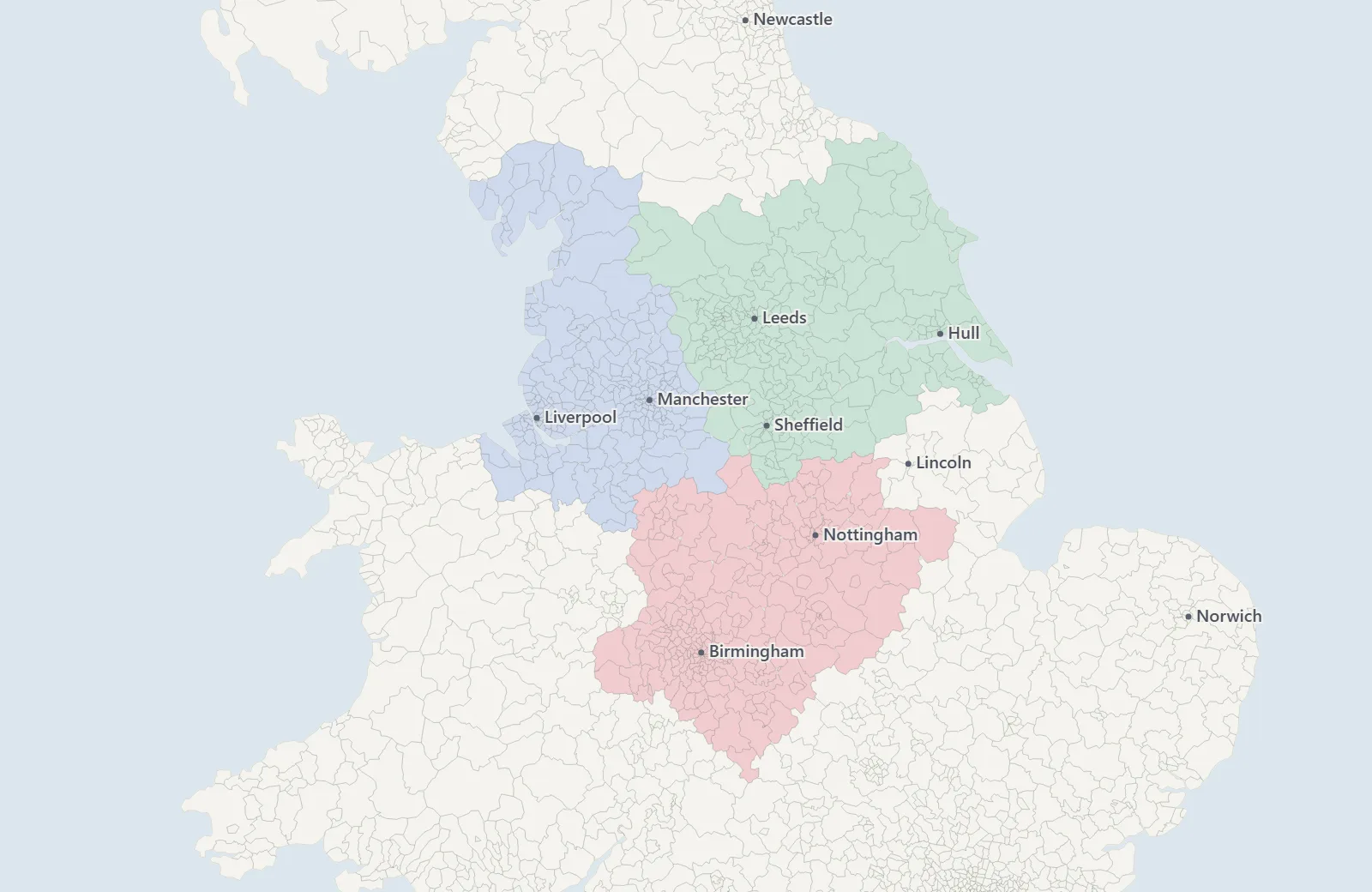 Boundaries: OpenDoorLogistics / OS Code-Point Open / Royal Mail / ONS
 Queued